



🇺🇸 San Francisco, CA | 🇨🇦 Toronto, ON
© 2026 Built OS Inc. All rights reserved.
One AI Operating System
to Map, Manage and Improve
Every Building
Your drawings become a measured 3D twin — furnish it, finish it, take off quantities, then run assets, warranties, work orders and the capital plan inside it.
+
loved by property managers
What the twin lets you do
One measured model of the building, and every job that used to need a site visit, a tape measure or a spreadsheet done against it instead — from pricing a refit to knowing which unit is out of warranty.
- MapFrom drawingsIFC, Revit, DXF or a PDF set
- MeasureReal dimensionsAny face, edge or opening
- FurnishPlace at true sizeEquipment and FF&E in place
- FinishMaterials on facesPaint, tile, flooring, cladding
- Take offQuantities from the modelAreas, lengths and counts per room
- AssetsEvery unit on recordMake, model, serial, install date
- HistoryWhat was done, whenEvery visit, against its job
- WarrantyWho is still liableTerm, contractor, expiry
- Work ordersRaised and trackedFrom a QR scan, a text or a call
- CapExPlanned off the recordAges, spend and replacement years
- MapFrom drawingsIFC, Revit, DXF or a PDF set
- MeasureReal dimensionsAny face, edge or opening
- FurnishPlace at true sizeEquipment and FF&E in place
- FinishMaterials on facesPaint, tile, flooring, cladding
- Take offQuantities from the modelAreas, lengths and counts per room
- AssetsEvery unit on recordMake, model, serial, install date
- HistoryWhat was done, whenEvery visit, against its job
- WarrantyWho is still liableTerm, contractor, expiry
- Work ordersRaised and trackedFrom a QR scan, a text or a call
- CapExPlanned off the recordAges, spend and replacement years
One model, all the way to the floor
Four steps from three pages of 2D drawings to a technician clicking the machine in front of them. Each one plays.

Build it, then change it
Scope3D turns your drawings into a 3D twin you can edit, furnish and finish room by room.
Track every asset
Clickpad manages every asset inside it — status, service history, warranty and spend.
Use both, and get better
Together they turn a renovation or a workflow into a decision made from real building data.
Map

Upload IFC, Revit, DXF or a PDF set and it comes back as a measured twin. Move walls, place equipment and apply finishes — every change versioned, every quantity measured.
Manage

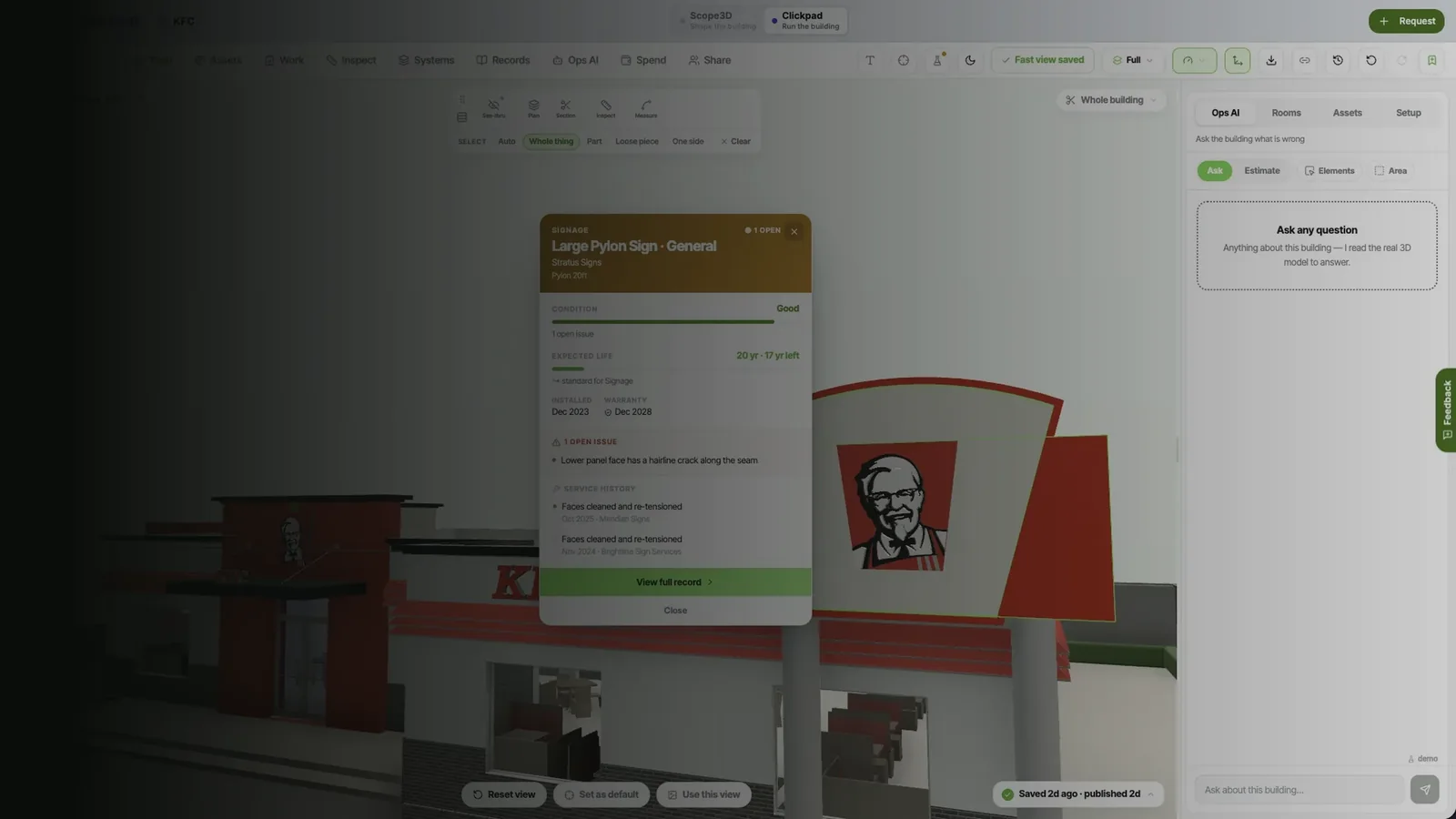
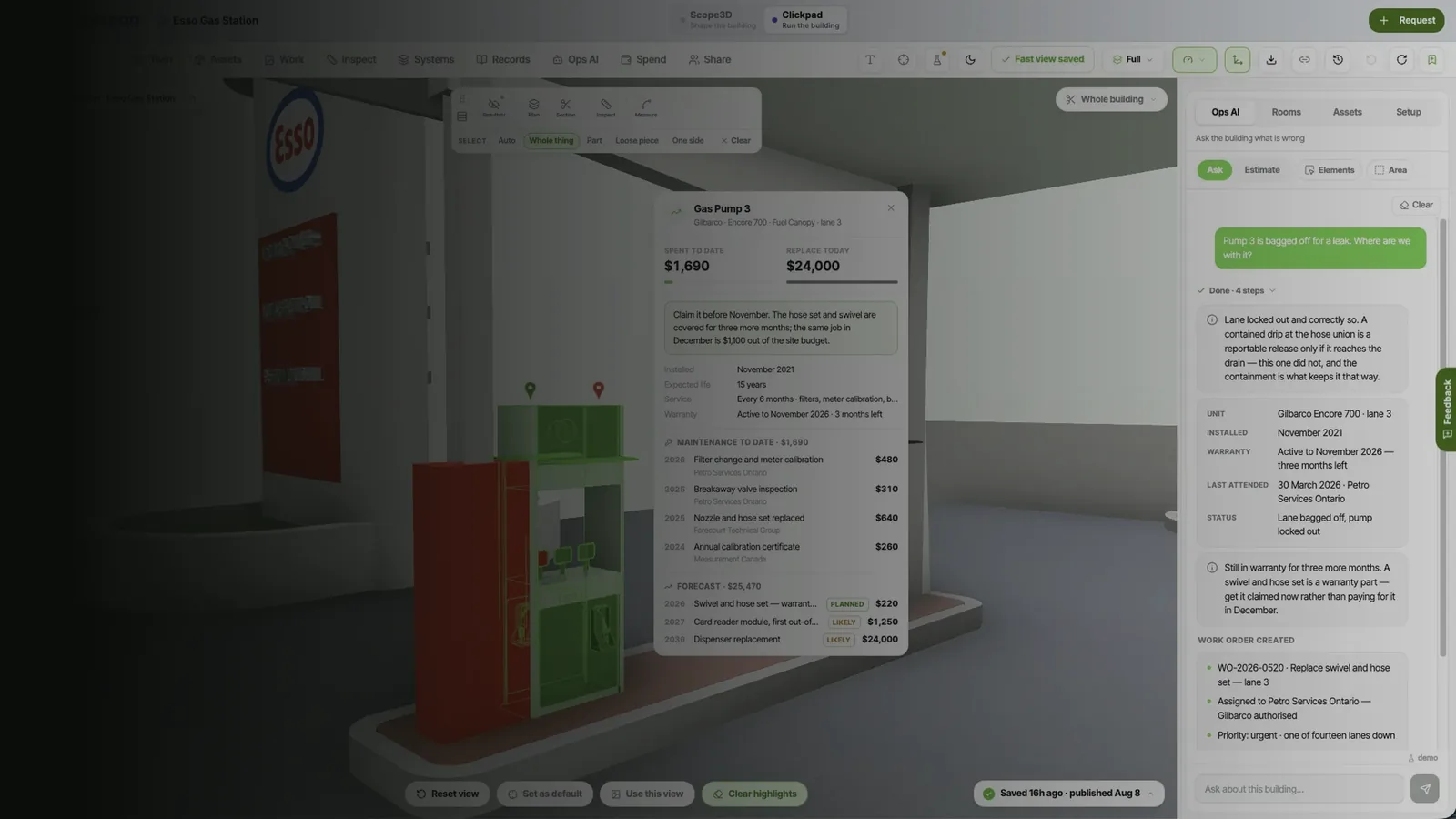
Every asset in the building carries its own record: install date, warranty, service history and what it has cost. Issues arrive by QR scan, text or phone call and leave as tracked work orders.
Map in Scope3D, manage in Clickpad, improve with both
The life of one building, from the drawing set to the fifteenth year
Files arrive
[Day one]
Upload and trace
IFC, Revit, DXF, a PDF set or a phone photo of a paper plan. Whatever exists is the best record of the building.
Checked against the figure printed on your own drawing sheet.
The twin
[Day two]
Rooms and assets
Walls stand up, storeys stack, rooms resolve by name, and every element carries its own type and properties.
Handover
[Inside the week]
Export to IFC
The finished twin goes to whoever operates the building, in a format their own tools read, with nothing behind a seat.

The transfer into Clickpad
[Day one]
Geometry, rooms, assets, records
The twin arrives whole and already populated, so an asset clicked in 3D has a history behind it from the start.

Fifteen years of operating
[Years 1-15]
QR intake, vendors, capital plans
Every repair, inspection and cost lands against the asset it touched, and the capital plan is built from that record.

The sale, and the next owner
[Year 15]
The record transfers with the deed
Ownership moves and the building keeps its memory, which is the whole reason the record was worth keeping.
Nothing is re-keyed by hand on the way into operations.
See it running in a building like yours
Where it is exact
[Model & materials]
[Asset tracking & dispatch]
[Renovation & capital work]
BuiltOS is one operating system to map, manage and improve every building you own. Scope3D is where you map it: drawings and BIM become a 3D twin you can walk, edit, furnish and finish. Clickpad is where you manage it, with every asset carrying its own status, service history and spend. Improvement is what the two produce together — renovations scoped off real geometry, priced from real cost history, and logged back against the same building.
Case studies live
Trace agreement
Faster to resolve
Nine buildings, twice over
Mapped, then operated
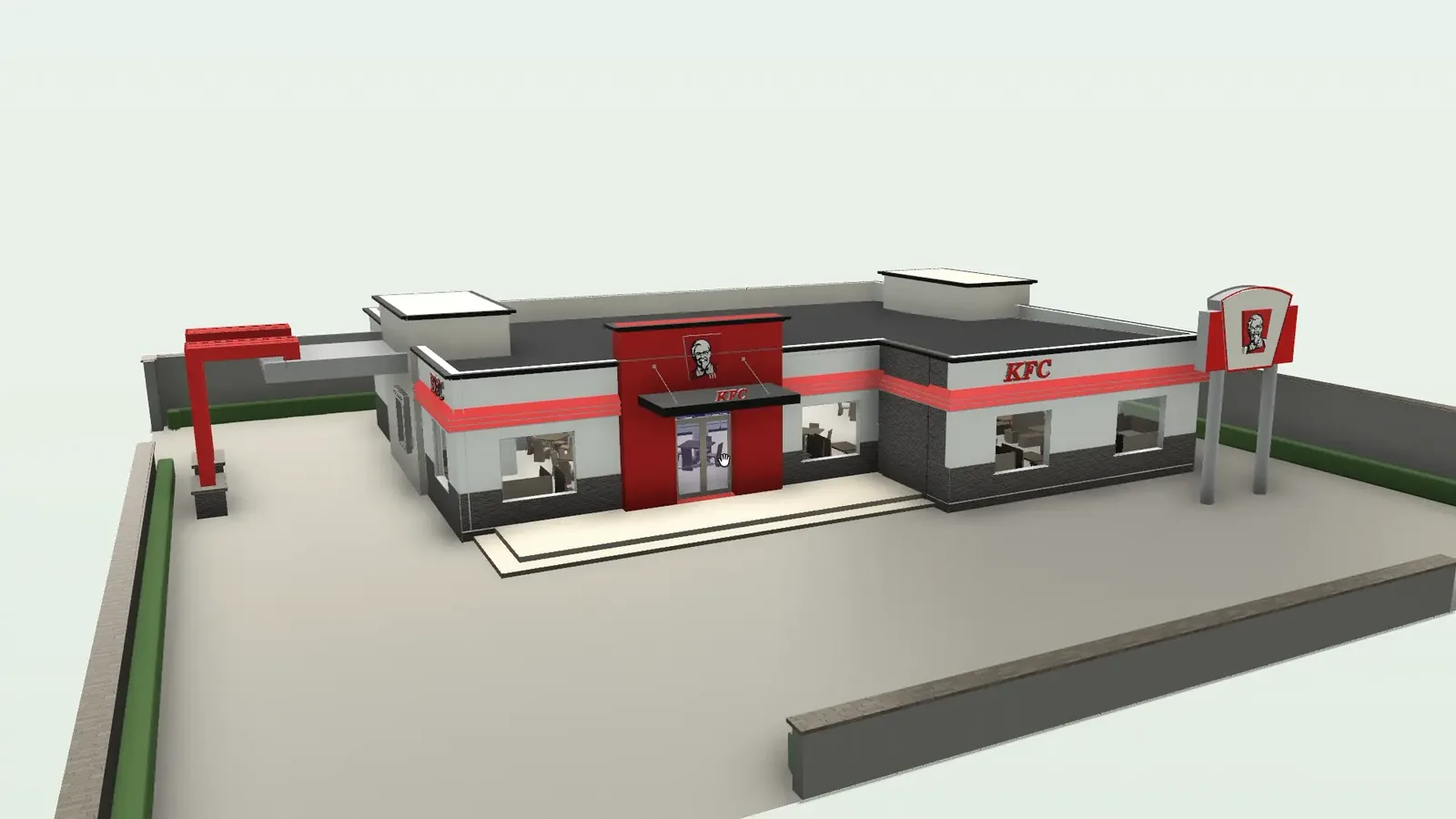
KFC — Digital twin Food service
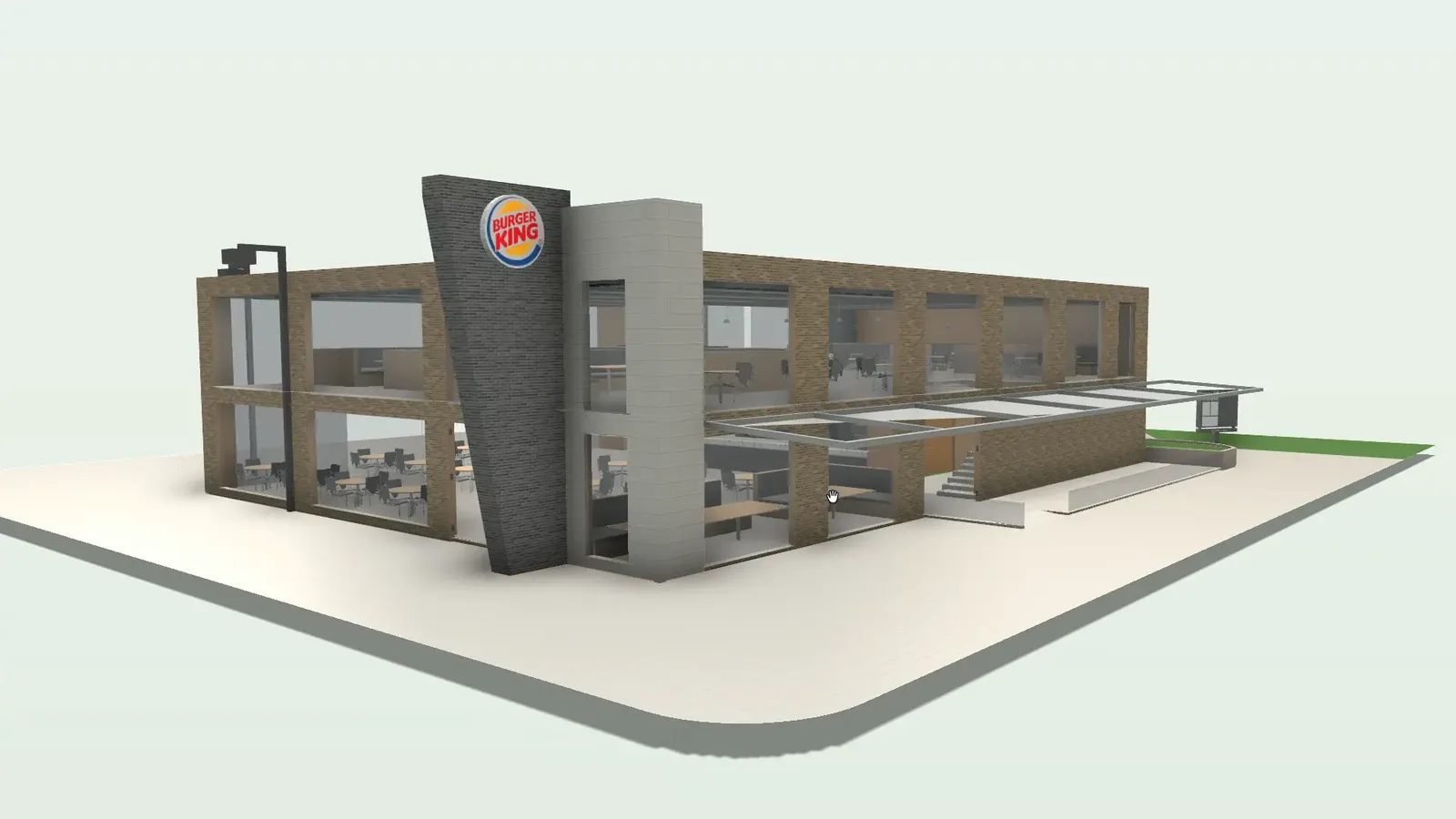
Burger King — Digital twin Food service

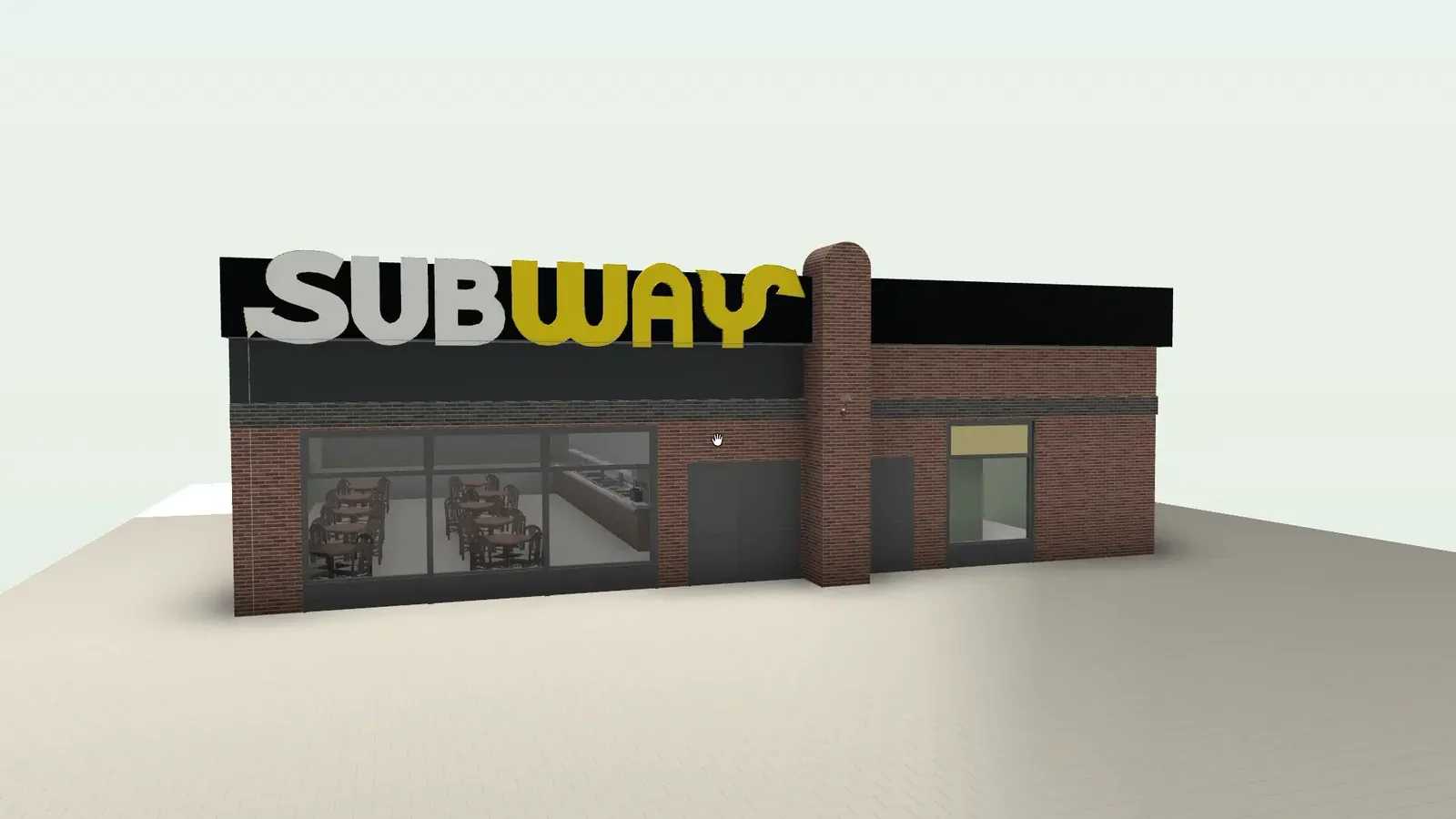
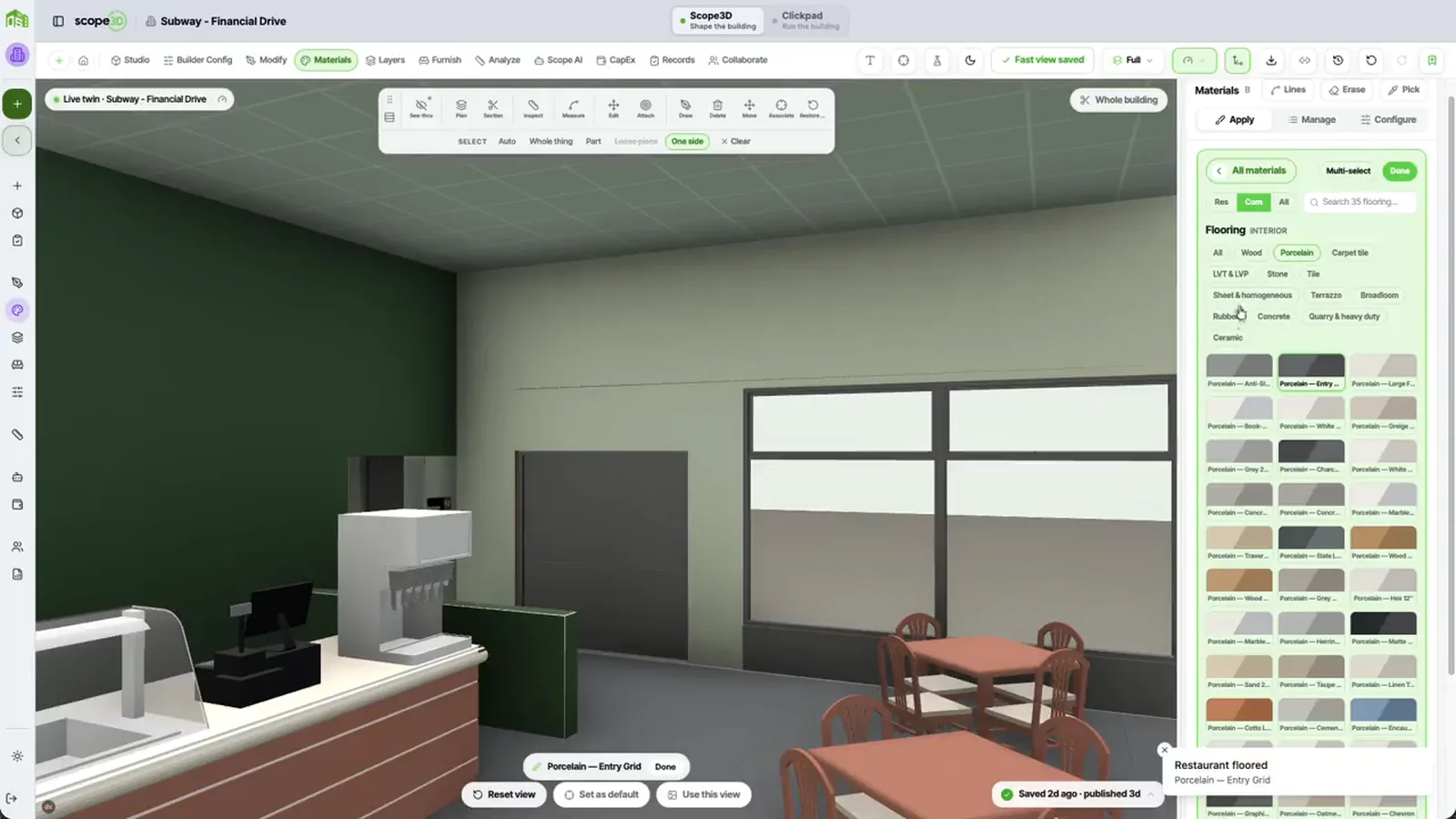
Subway — Digital twin Food service
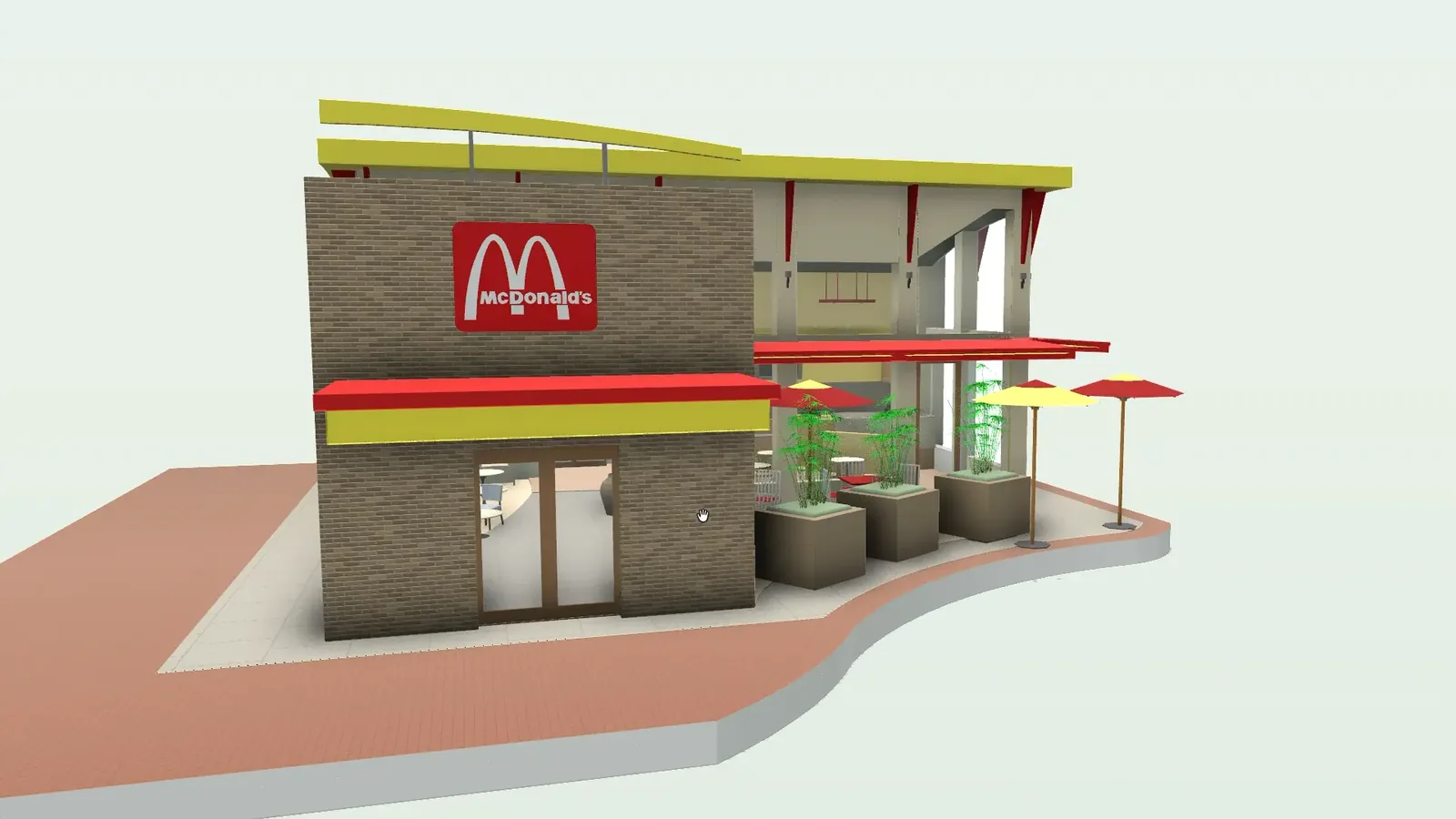
McDonald’s — Digital twin Food service

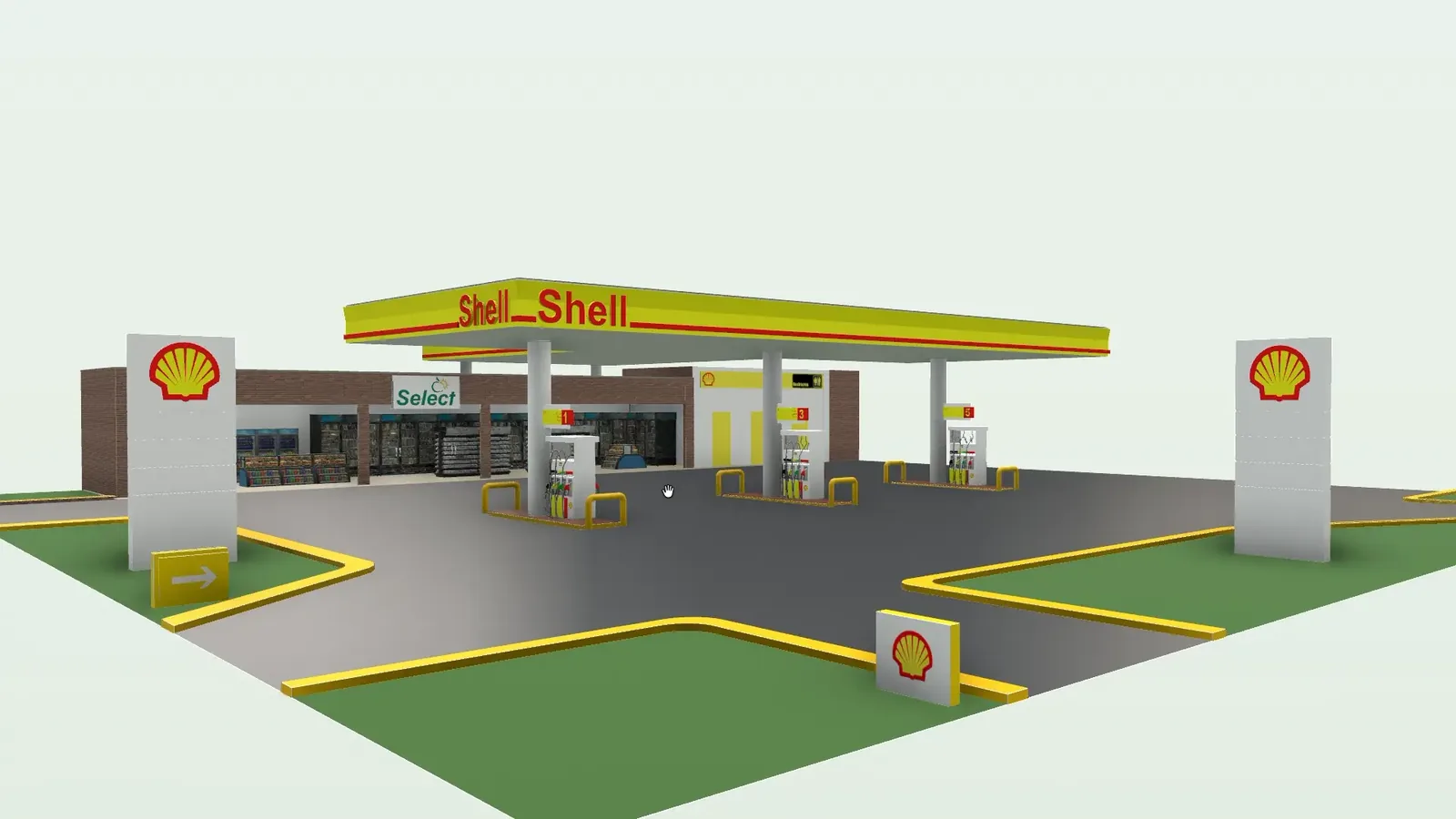
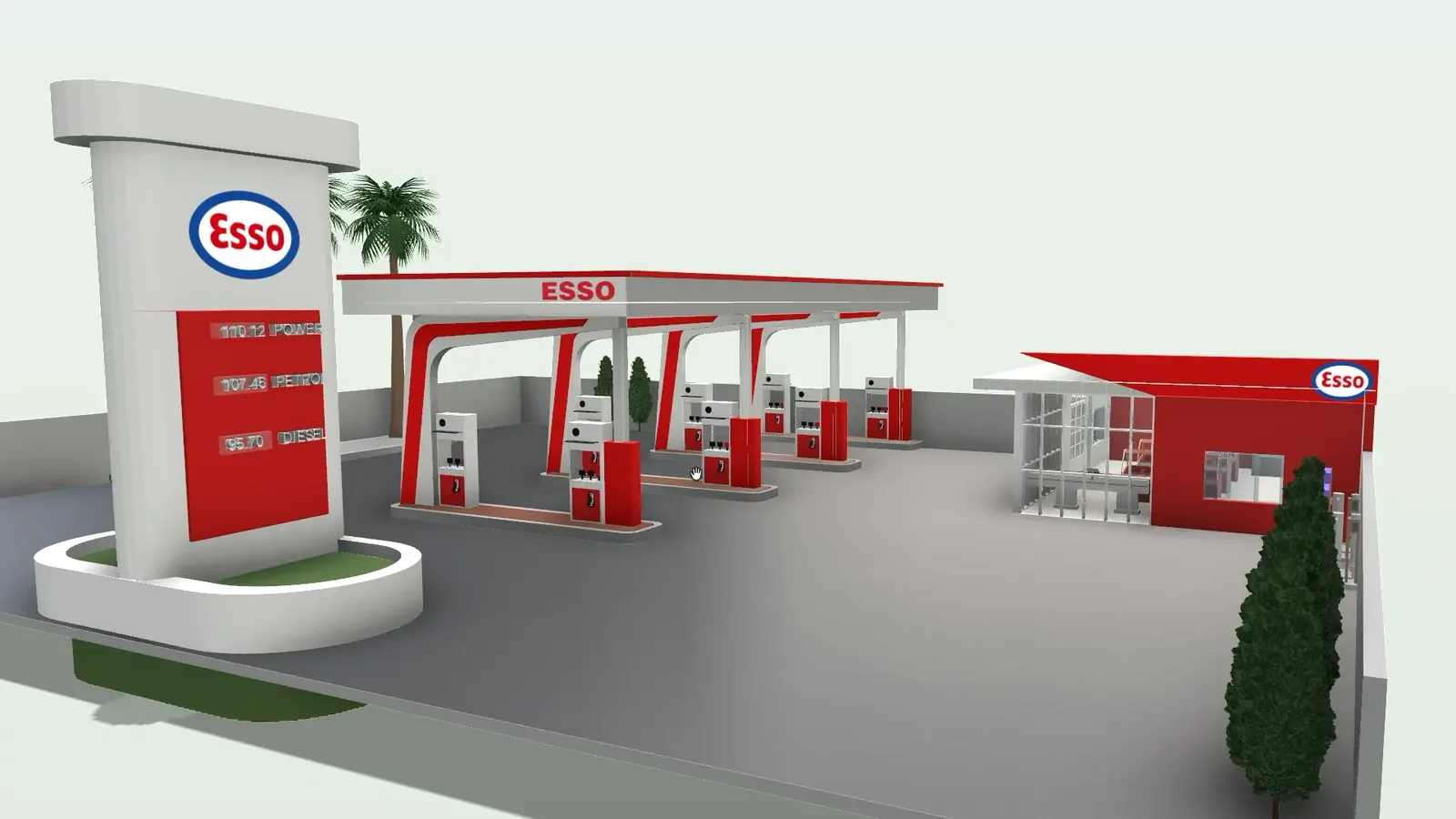
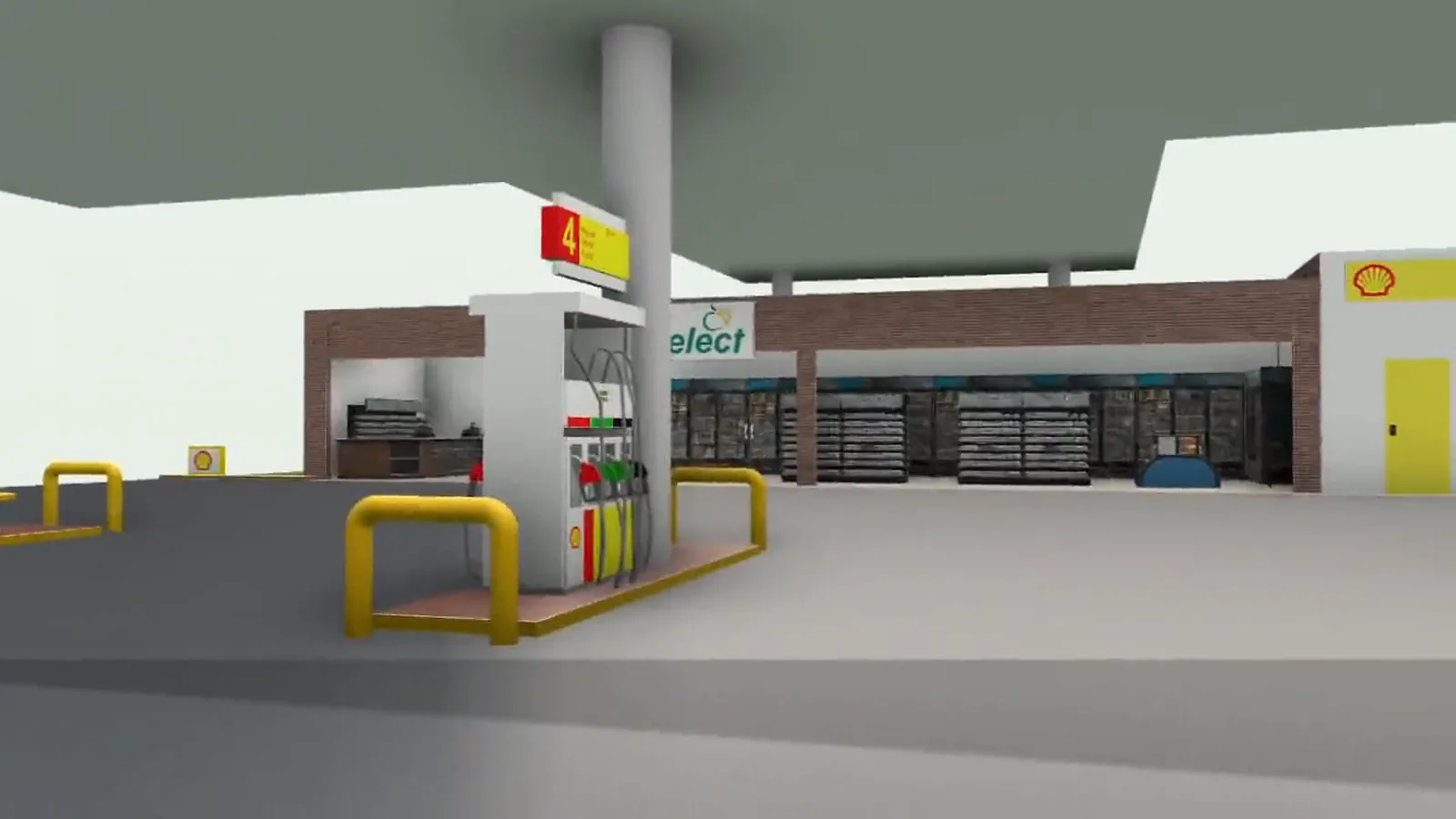
Shell — Digital twin Fuel & forecourt
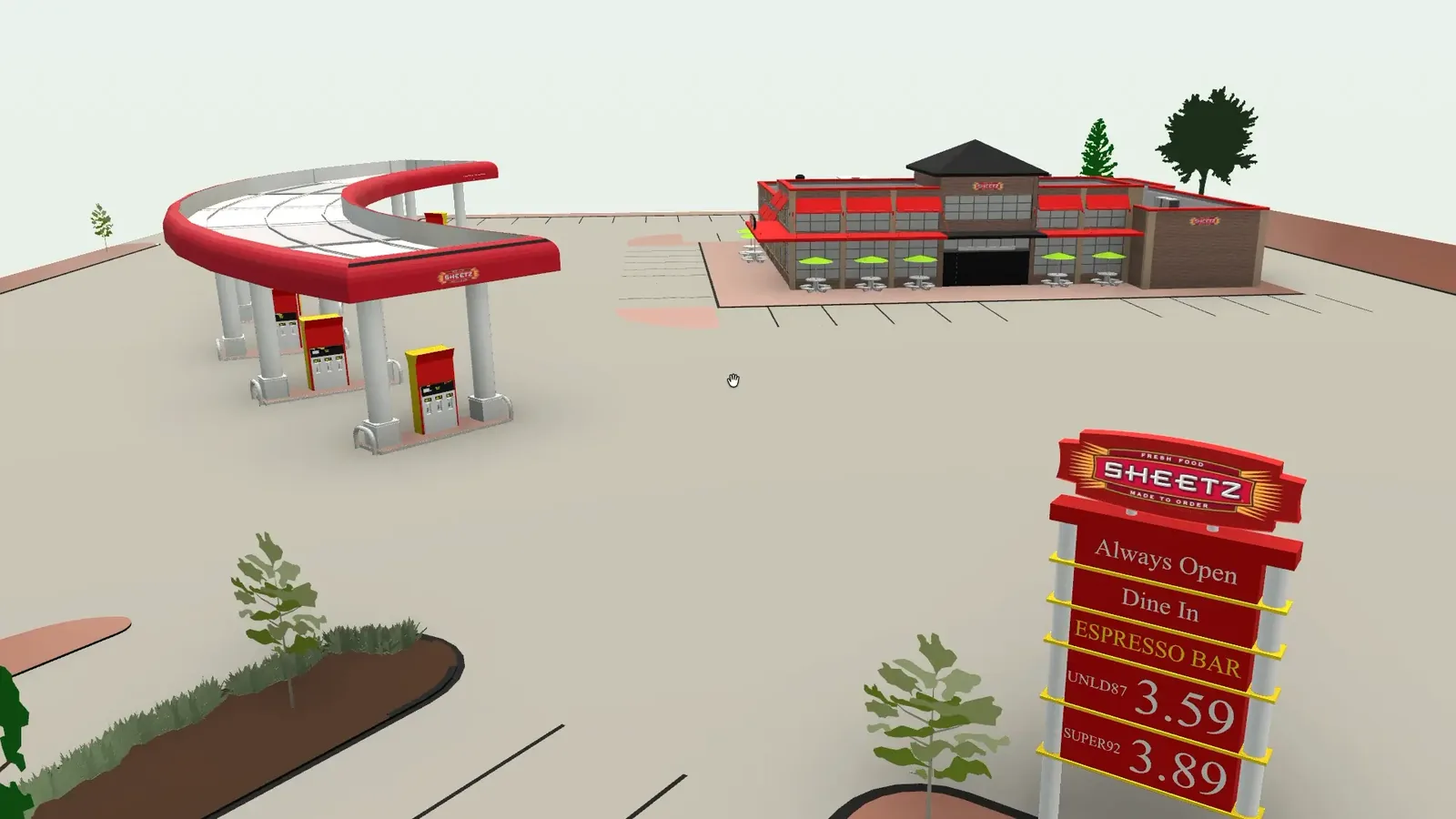
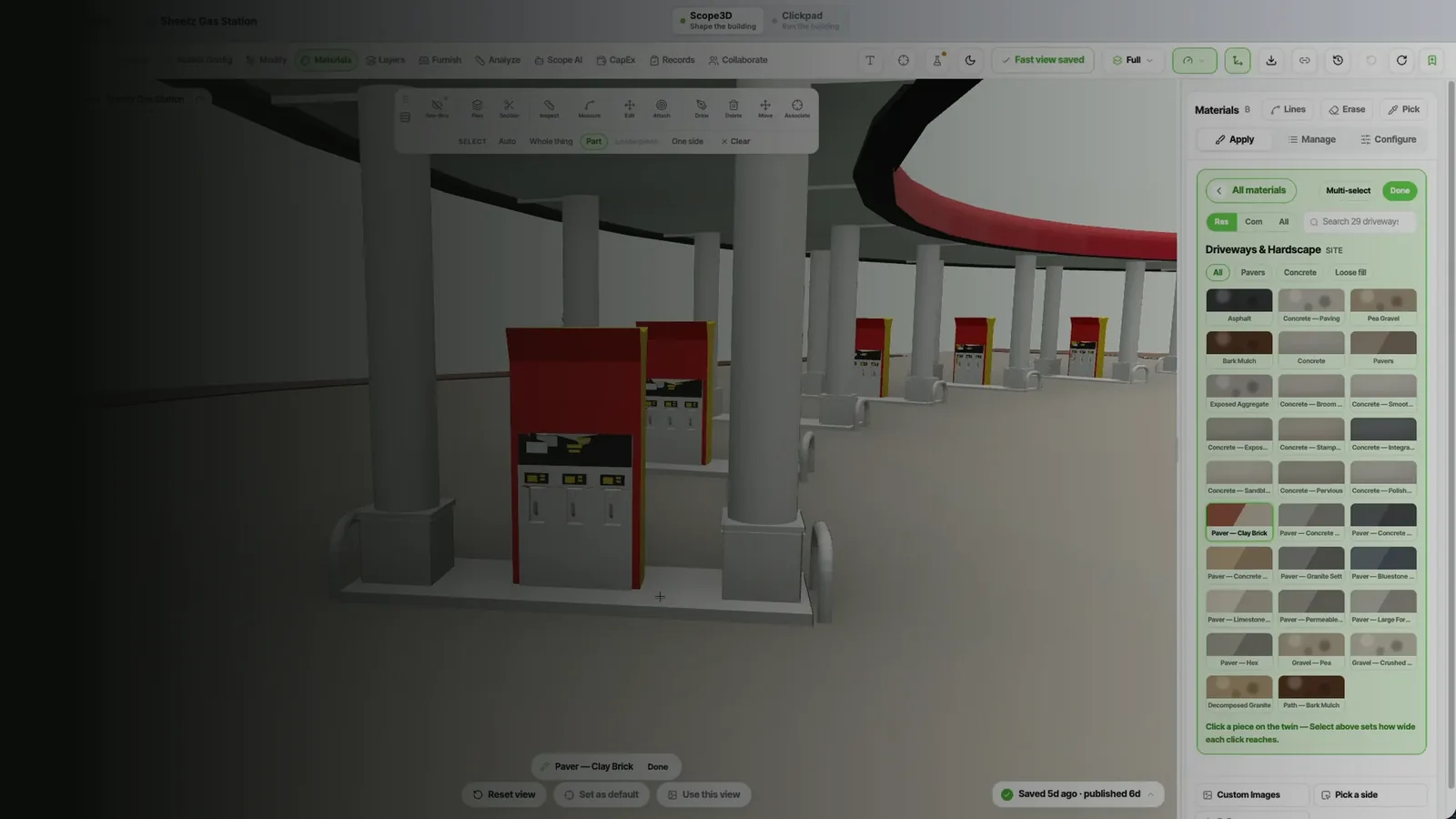
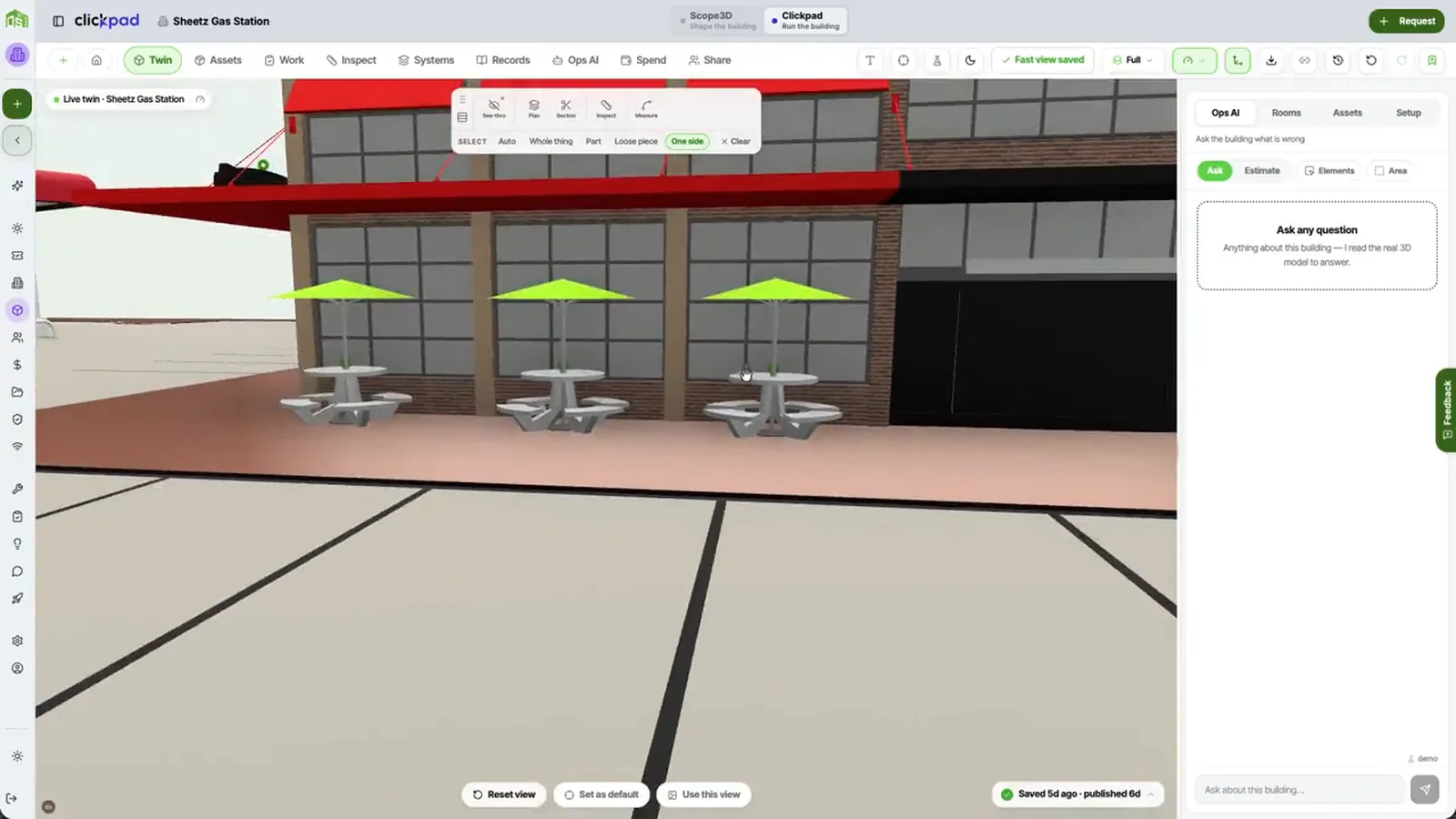
Sheetz — Digital twin Fuel & forecourt
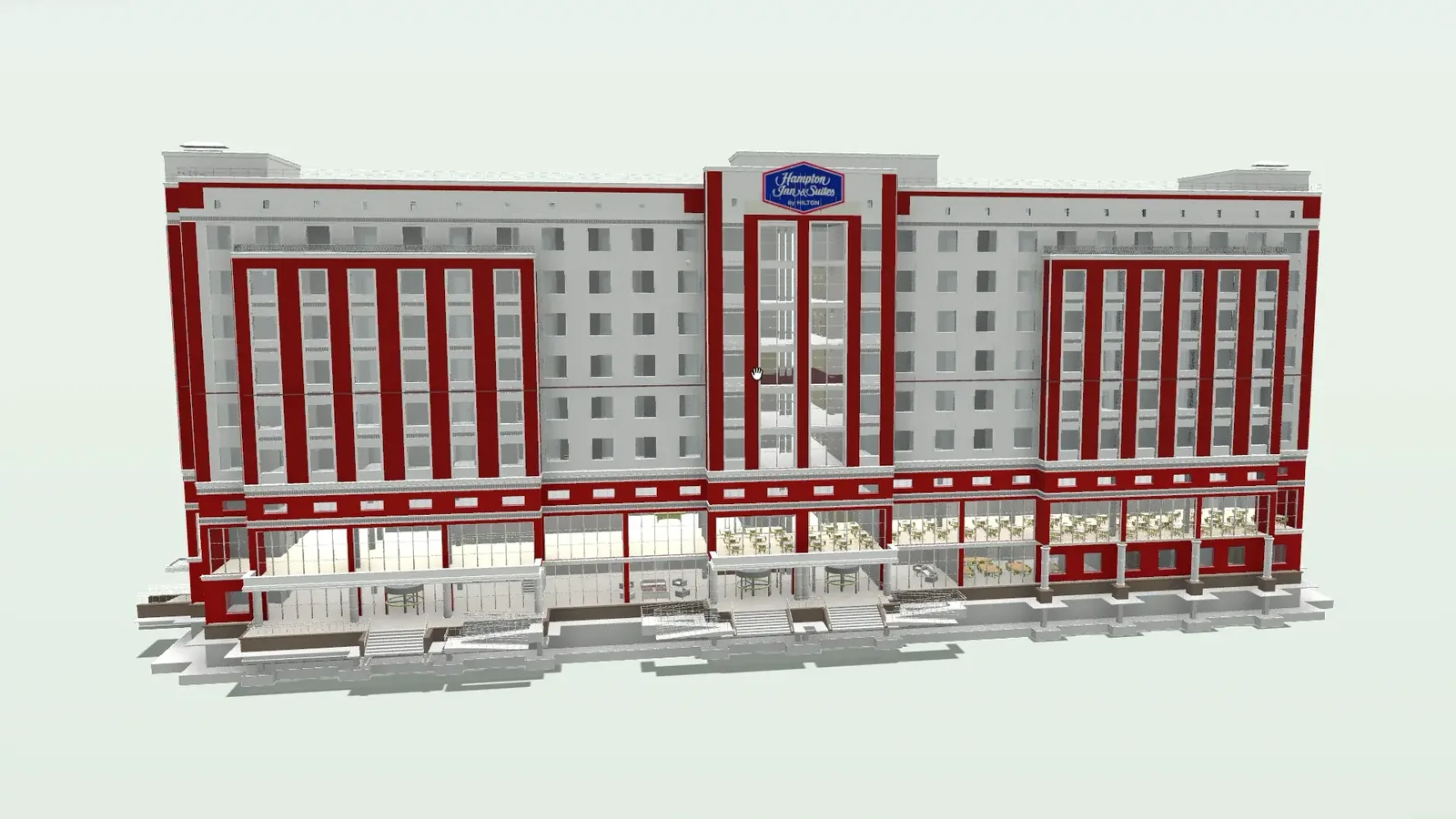
Hampton Inn and Suites — Digital twin Hospitality

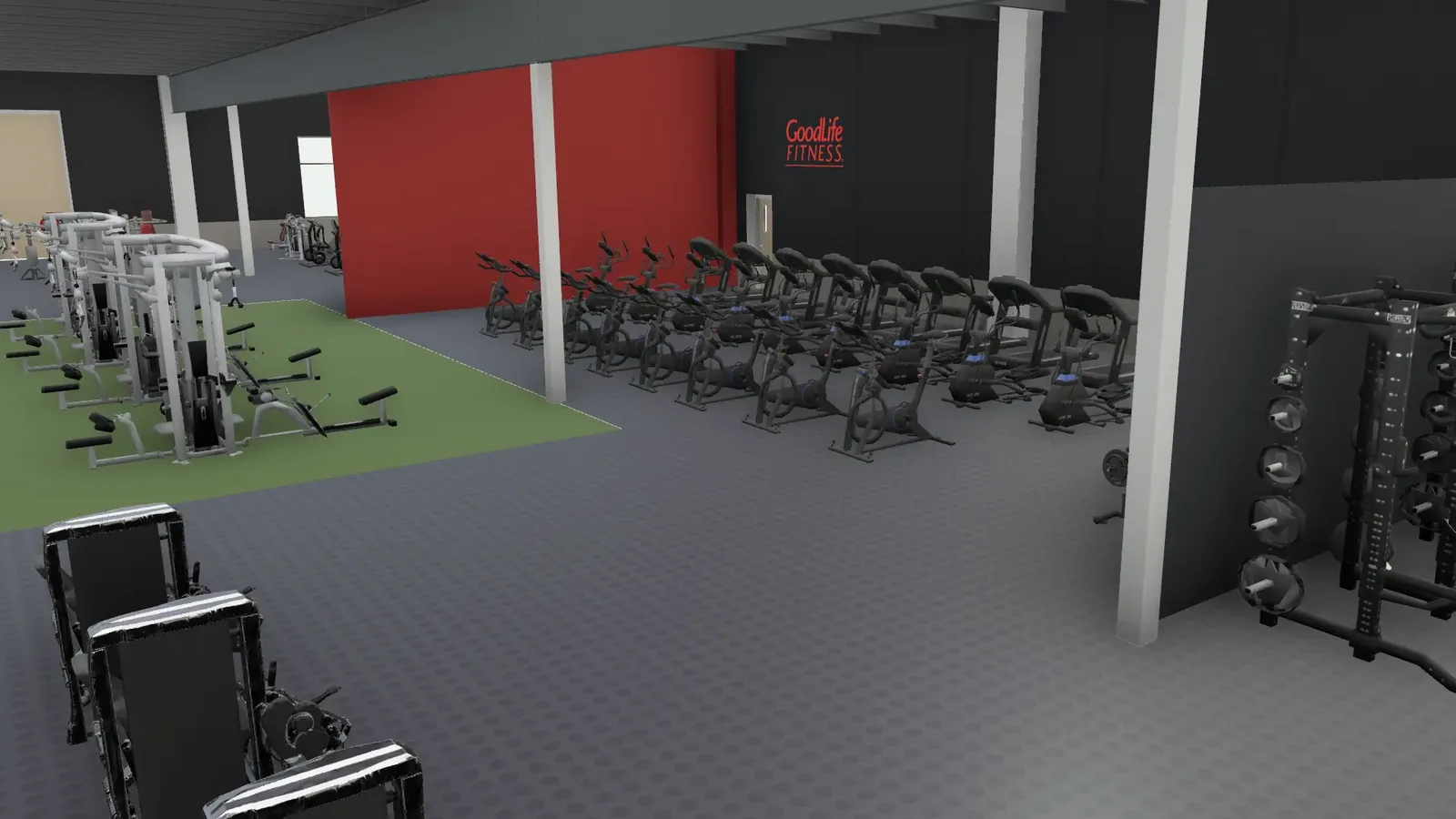
GoodLife Gym — Digital twin Fitness
Esso — Digital twin Fuel & forecourt

The formats you have
Whatever your team models or draws in, it leaves as something BuiltOS takes in — and the twin goes back out as IFC, which Revit reads.
IFC
Open BIM standard
Revit
Native .rvt import
DXF
CAD floor plans
Drawing sets and sheets
STEP
Manufacturer geometry
Tenant reporting
SMS
Text intake, no app
QR + NFC
Asset tags on site
BMS & IoT
Live sensor feeds

And every other format your own tools already export
What owners say it changed
Scope3D turned our venue drawings into a 3D twin the whole team actually uses. We scope refits and plan events off the same model.

Gary Padda
Embassy Grand
We onboarded three properties in a week. Every work order, asset, and vendor is now tracked in one place. Maintenance response time dropped by half.

Full-service hotel
Toronto, ON
One accurate 3D model of the property that every department can open. Scoping room refreshes went from weeks to a few clicks.

Sam Mand
Hampton Inn
The digital twin changed how my team operates. Techs arrive on-site already knowing the asset history. No more radio calls just to locate a manual.

Boutique hotel
Vancouver, BC
Clickpad surfaced a recurring HVAC issue we’d been patching for two years. One predictive alert saved us from a full system replacement.

Select-service hotel
Miami, FL
The twin stays with us for the life of the building. We plan capital work, price it, and hand crews an exact model.

Jason MacTavish
La Quinta Inn
Asset Intelligence flagged our elevator hydraulic system three weeks before failure. We scheduled planned maintenance. Zero guest disruption.

Luxury hotel
London, UK
Portfolio visibility we never had before. Cost-per-asset reports across 12 buildings in seconds. It replaced three separate tools we were paying for.

Mixed-use portfolio
New York, NY
We uploaded our floor plans and had a live twin that same afternoon. Every layout change now starts there before we spend a dollar.

M. G.
Thai restaurant group
Tenants submit requests via WhatsApp and get real-time updates. Complaint volume dropped 40% in the first month. No app download required.

Mixed-use site
Austin, TX
The vendor management module cut our coordination overhead significantly. Scoped access means contractors see exactly what they need, nothing more.

Office tower
Toronto, ON
I used to chase paper work orders. Now everything is on my phone with photos, asset history, and parts lists attached. Night and day difference.

Hotel operator
Montreal, QC
The live 3D twin in the demo was the moment we knew Clickpad was different. Eight properties live. Rolling out to the full portfolio next quarter.
Hotel portfolio
Dubai, UAE
Notes From
Inside The Building Twin
Every appliance keeps its own record
What BuiltOS actually is
A real finish on a real surface
Helpful Answers to
Your Common Questions
- Ownership & Data
- Clickpad
- Pricing & Setup
- Scope3D
- BuiltOS
What does the twin do once we’re running?
Every asset carries its own record against the thing itself — service history, warranty, install date and cost. Point at the appliance and the record is there, not in a departed manager’s inbox.
How does QR and NFC reporting work?
Every asset and location can carry a tag. Staff scan or tap it with any phone — no app, no login — and the scan logs a report that is geo-tagged, timestamped and tied to that asset’s service history.
Can tenants report issues without an app?
Yes. Tenants and guests submit by WhatsApp or SMS — they just text a number. The message is parsed, enriched with asset context, and routed into the work order queue with its urgency already triaged.
How does vendor management work?
Vendors work in a scoped portal and see only the work orders and asset data assigned to them. Bids, approvals, site access and photo sign-off are all required before an invoice can be processed.
What does the AI Copilot do day to day?
It answers questions about the building from its own records, drafts work orders, summarises maintenance history and flags anomalies. It reads the property you point it at, not a generic dataset.
Which property types does it support?
Hotels, multifamily, offices, retail chains, shopping malls, gas stations, warehouses, campuses, hospitals, senior living, gyms, convention centres and parking. If a building has assets, Clickpad runs it.
Do I own my twin and its data?
Yes. The geometry, records and finishes belong to whoever owns the building, for the life of the building. Export the whole twin to IFC at any time and take it with you — you are never locked in.
Who can actually see my building?
Only the people you invite. Access is set per person and per property, and each organisation’s twins sit behind its own rules, so a building is reachable only by the organisation that owns it.
Can I give a contractor limited access?
Yes. Invite them by email and set the role on the way in. A trade arrives on a stakeholder seat: they open the twin and the scope you shared with them, and they cannot edit the model or export it.
How is our data kept secure?
Every record is scoped to its own organisation by row-level security, and role-based access applies at organisation, property and location level. Data is encrypted at rest and in transit.
What happens when I sell the building?
The twin goes with it. Transfer moves the property and everything on it — geometry, records, finishes and history — into the new owner’s account, so the building keeps its memory through the sale.
What happens if I stop paying?
The twin is owner-held, so the geometry, records and finishes still belong to the building’s owner. Export runs on an author seat while the account is live, so take your IFC copy out first.
How does pricing work across products?
The two products price separately, and BuiltOS does not sit on top with a third bill. Scope3D publishes its tiers at scope3d.com/pricing, and Clickpad prices per property at clickpad.com/pricing.
What does onboarding look like?
A short setup period with hands-on help: we map your first property, configure the asset registry and get the tags deployed, with live training for the team that will run it day to day.
How quickly can we go live?
Most properties are live within a week. One operator brought three full-service hotels on in seven days. Setup support runs through the trial period, so the team is trained before day one.
Are there portfolio discounts?
Yes. Clickpad’s pricing steps down from five properties, and Scope3D’s Enterprise tier covers estates with unlimited seats and invite-only access. Ask, and we will price the portfolio you actually have.
What integrations do you support?
Building management, CMMS and ERP platforms connect by API, and live IoT feeds, email, helpdesk ticketing, voice and SMS all land in the same queue. Data flows both ways — no duplicate entry.
Can you build the twin for us?
Yes. Send what you have — drawings, BIM, plan photos — and we hand back the finished twin. That is the fifth way in, for when you would rather not build it yourself. It arrives in your account, yours to keep.
Which files can I turn into a twin?
IFC, Revit .rvt, DXF and CAD plans, PDF drawing sets, plan-sheet images and STEP. You upload whichever source you already have and it comes back as a live, measured 3D model of your building.
Can I build one from just a PDF set?
Yes. Drop a drawing set into the PDF builder and the walls are traced off the sheets, corrected in the scene, then authored into a real IFC twin. A phone photo of a paper drawing goes in the same door.
How accurate is a traced model?
It is measured, not asserted. Every trace ends by setting the modelled area against the figure printed on your own sheet. The published run reads 1,396.9 sf against 1,393.4 printed — 0.25% over, inside the 1% band.
Do I need to be an architect to use it?
No. Scope3D is built for the people who own and run buildings, not the people who drew them. You work in rooms, assets and costs rather than CAD layers, and the model stays correct underneath.
Can I change the geometry myself?
Yes. Modify mode edits walls, slabs, doors and openings on the real IFC, and every edit is versioned. Model history keeps each change as a restore point, so a wrong wall is one click from being undone.
Which formats does it export to?
IFC — one format carrying the whole twin: geometry, properties, and the finishes written onto the elements as materials and property sets. Revit reads all of that through its own IFC import.
What is BuiltOS and what does it do?
BuiltOS is the platform the twins live in — the account that holds every building you own, and the permissions that decide who can open them. Scope3D and Clickpad are the two applications that run on it.
Scope3D or Clickpad — what’s the difference?
Scope3D builds the twin: drawings and BIM go in, a measured 3D model comes out. Clickpad runs the building once it is open — assets, work orders, vendors and spend, all against that same model.
Do I need both, or can I start with one?
Either works on its own. Scope3D gives you a twin whether or not you ever operate it here, and Clickpad runs any building — a twin is an upgrade it uses when one exists, never a requirement.
What does “the twin transfers” mean?
A twin built in Scope3D moves into Clickpad whole — geometry, rooms, assets and the records attached to them. Nothing is rebuilt, and the building carries its history into the system that operates it.
Is it one account across both products?
Yes. One BuiltOS account holds your organisation, its properties and its people. Roles are set per person and per building, so a contractor can be given one property without ever seeing the rest.
What if my building has no model at all?
Then start with Clickpad. It runs on any building through QR tags, texting and work orders with no model behind it. Add a Scope3D twin later and it lands on the assets you have already been tracking.
One operating system for every building you own
Built in Scope3D, run in Clickpad, owned for life