
BuiltOSCommercialfor your business

Three drawing pages in.
A Revit model out.

A measured 3D model of your building, with real finishes at real dimensions and an asset record on every piece.

Book a Call

01 / 04 · Recorded at GoodLife GymPick one below

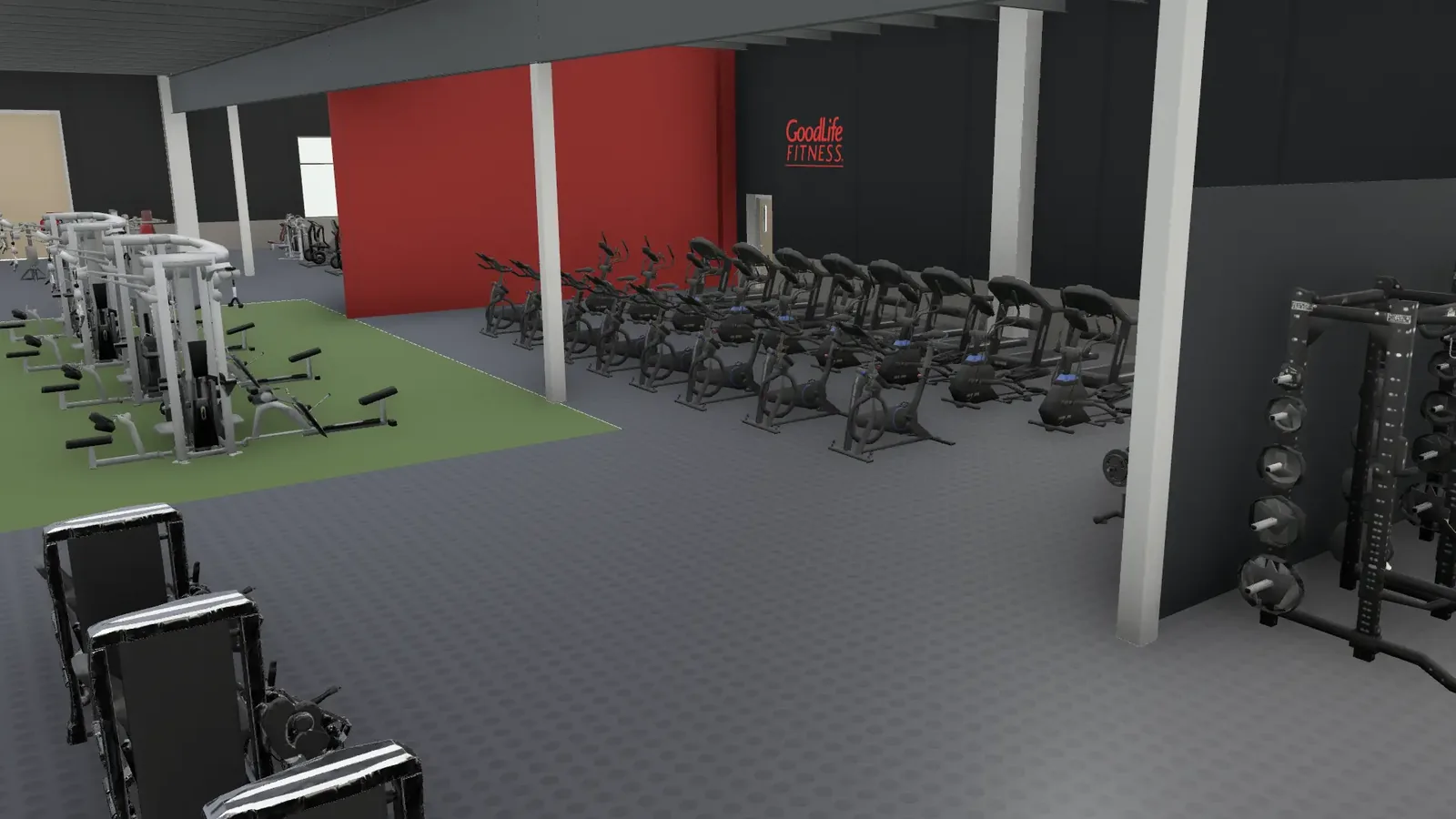
GoodLife Gym · the Revit model, built by BuiltOS Desktop
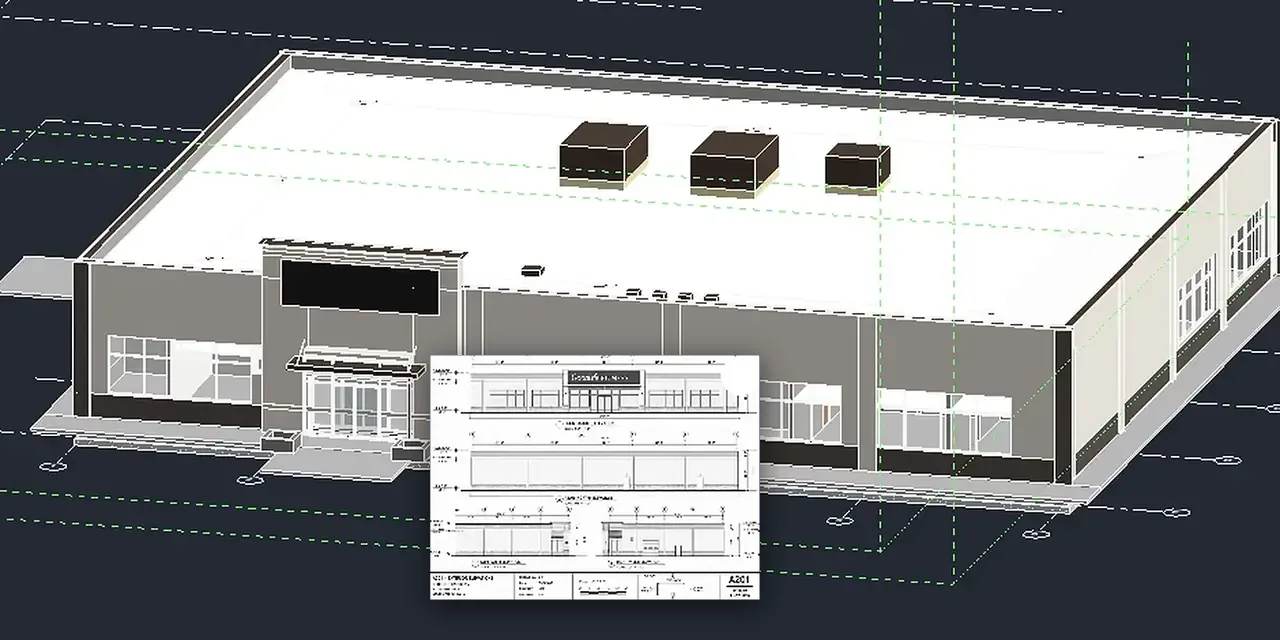
Three pages of 2D drawings beside the 3D Revit model built from them
GoodLife Gym · three pages of drawings, then the 3D Revit model

A real build

Not a demo. A real build.

We gave BuiltOS Desktop three pages of 2D drawings. It built the 3D Revit model of a GoodLife gym by itself, and fixed its own errors.

3pages in
19steps, unattended
<2hours
THE BUILD, RECORDED ·
[FIVE STEPS]

Three pages in

It builds the 3D Revit model itself, from three pages of a 2D drawing set.

The plan it wrote

Nineteen steps, from levels and datums to fixed equipment.

Structure goes up

Grid, foundations, columns and bracing, then the roof framing.

The envelope closes

Shell, parapet, glazing and doors.

Finished

If Revit asks a question, it answers it. Then the finished model.

Brief

Recorded in BuiltOS Desktop
Three pages of a 2D drawing set go in. It reads them and writes its own build brief.

Plan

Recorded in BuiltOS Desktop
It plans the job in nineteen steps. Levels and datums first, fixed equipment last.

Structure

Recorded in Revit, step 6 of 19
Grid, foundations, columns and bracing. Then the roof framing.

Envelope

Recorded in Revit, step 13 of 19
The shell and the parapet go on. Then the glazing and the doors.

Finished

Recorded in Revit, step 19 of 19
If Revit asks a question, it answers it. Then the finished model: 343 Revit elements, from three pages.

Recorded at GoodLife Gym, start to finish

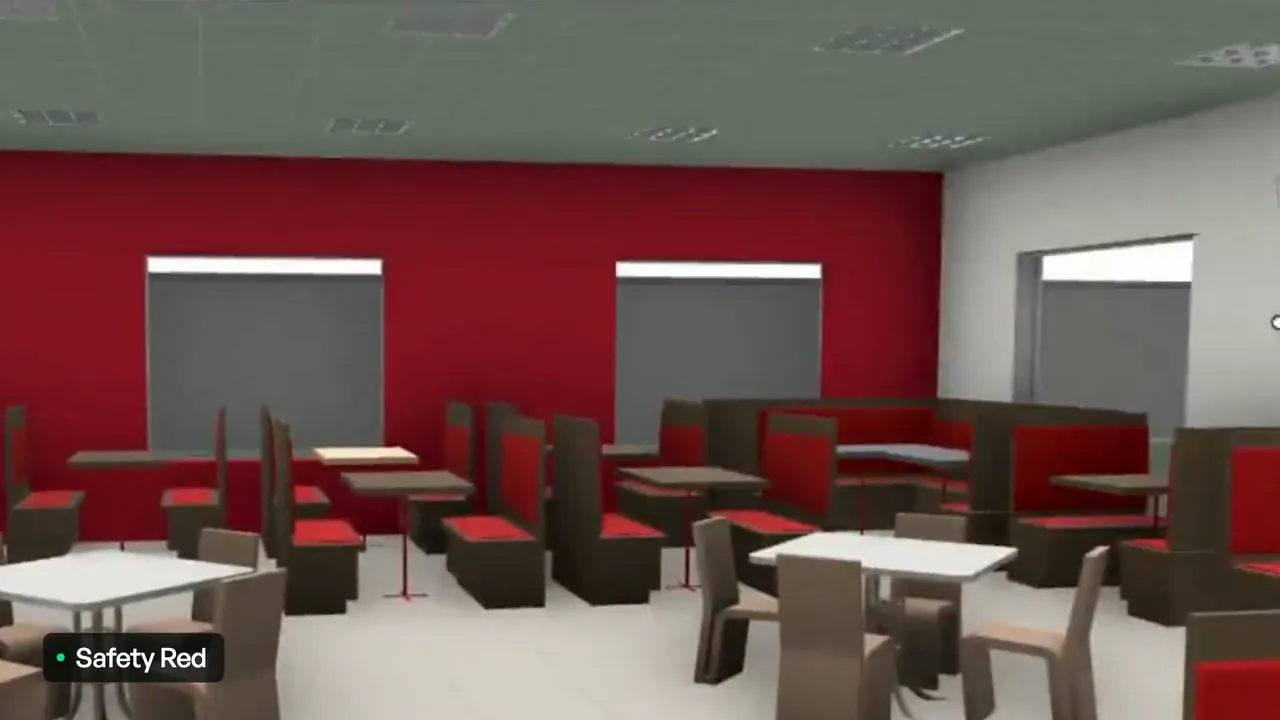
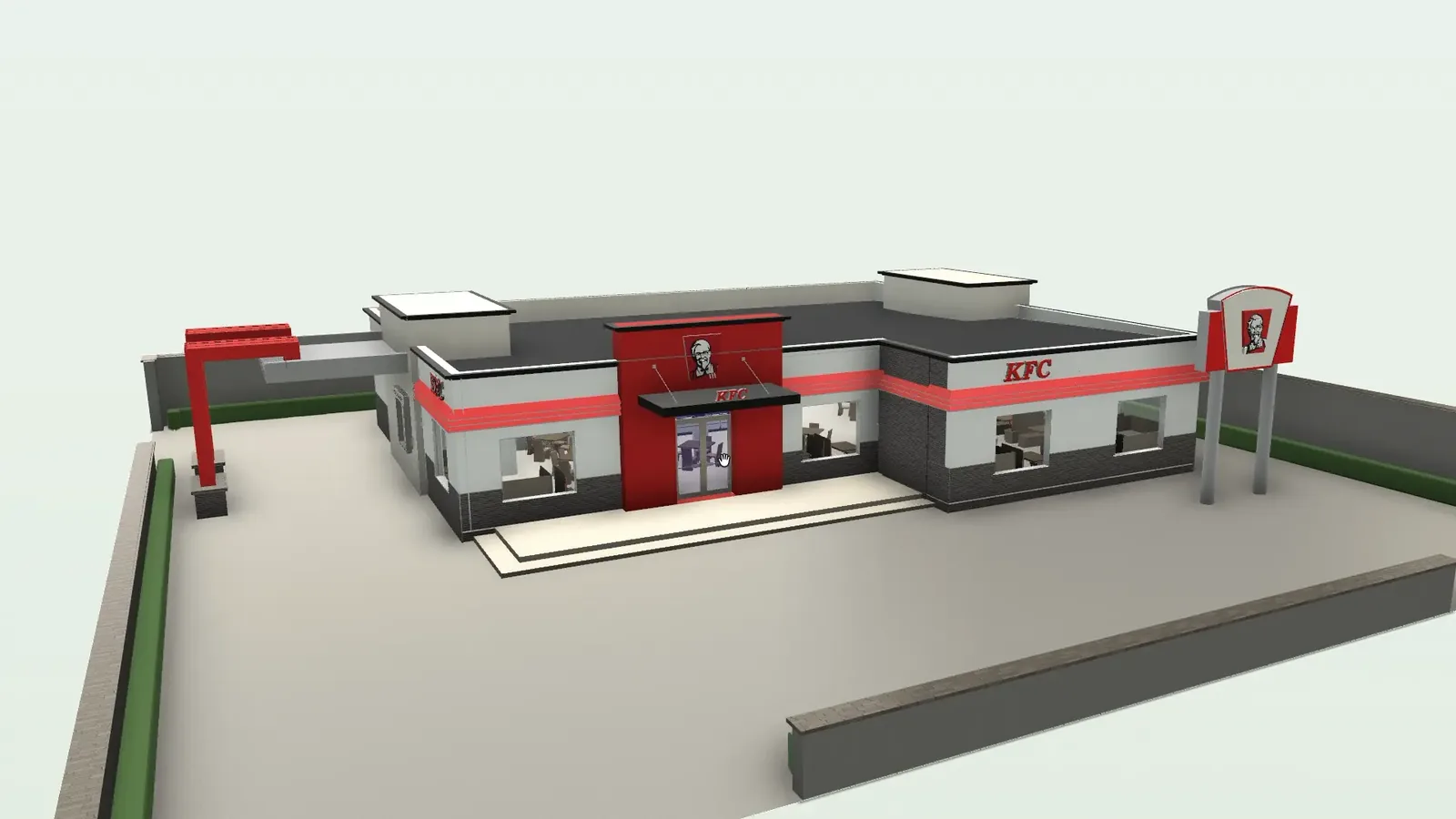
The KFC dining room in the 3D model, with its finishes on
KFC · finishes on the dining room

Finishes

Real finishes, at real dimensions.

Pick a surface and choose a finish. The raw model is bare; the finishes go on at true size, and each one is written into the model as a material.

  • Porcelain 24×24
  • Flooring
  • Tile
  • Paint
  • Cladding

At KFC, the dining floor gets grey 24×24 porcelain. The model records who installed it and its warranty.
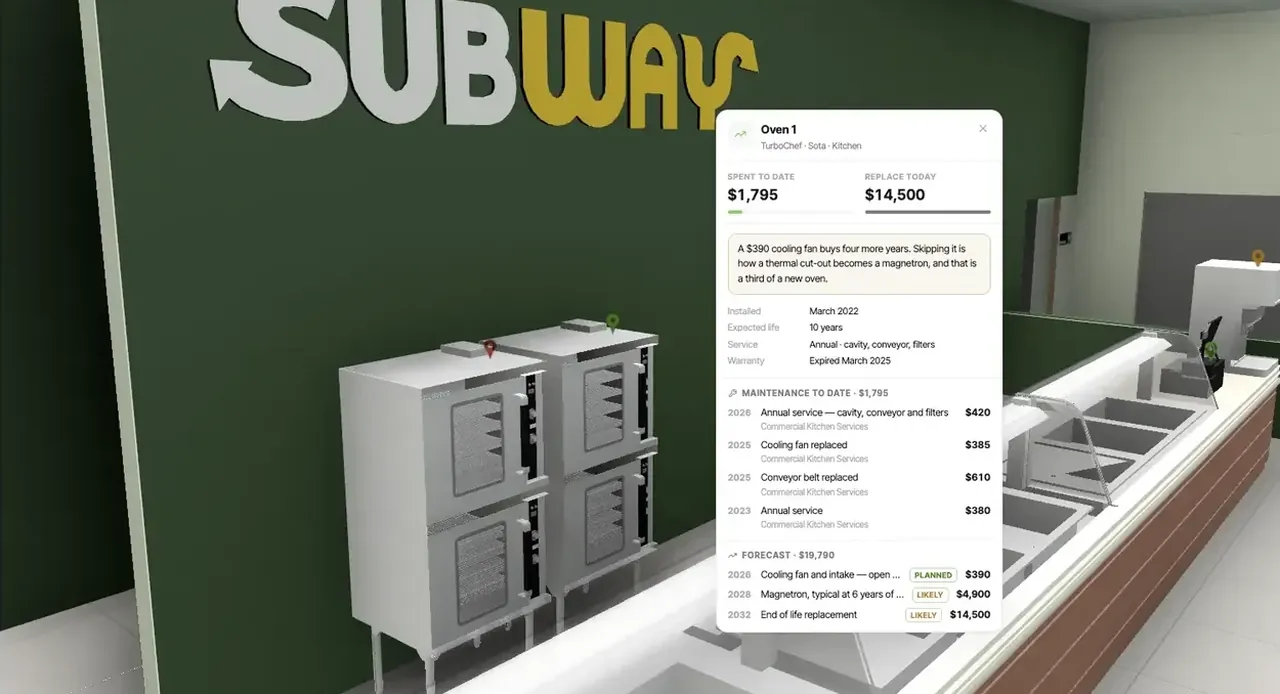

Oven 1 at Subway: what it has cost and its forecast, open on the 3D model
Subway · Oven 1, its spend and forecast on the model

Run it

Every piece carries its asset record.

The record runs on the same model. At Subway, every table and oven opens its own record.

  1. Work orders land on the piecethey are about, on the model.
  2. The CapEx plan reads ages and spendoff the same model.
  3. A drawing you can turnbecomes where the building is run.
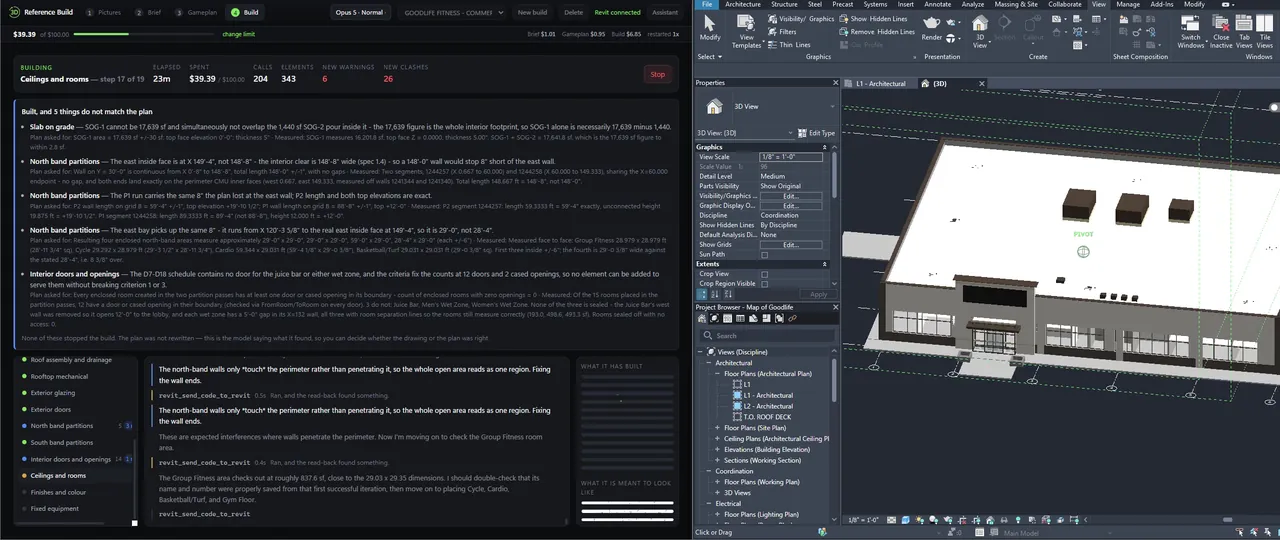
The finished GoodLife gym model in Revit
GoodLife Gym · the finished Revit model, 343 elements

What you get

The files you get.

The model comes back in the formats your architects and engineers use, and it runs in BuiltOS the same day.

  • .rvtThe Revit model, built in Revit from your drawings
  • .ifcGeometry and properties, finishes as materials

  • BuiltOSThe same model, with every asset ready to run

Start from IFC, Revit, DXF, a PDF set or a photo of a drawing.
Portfolio

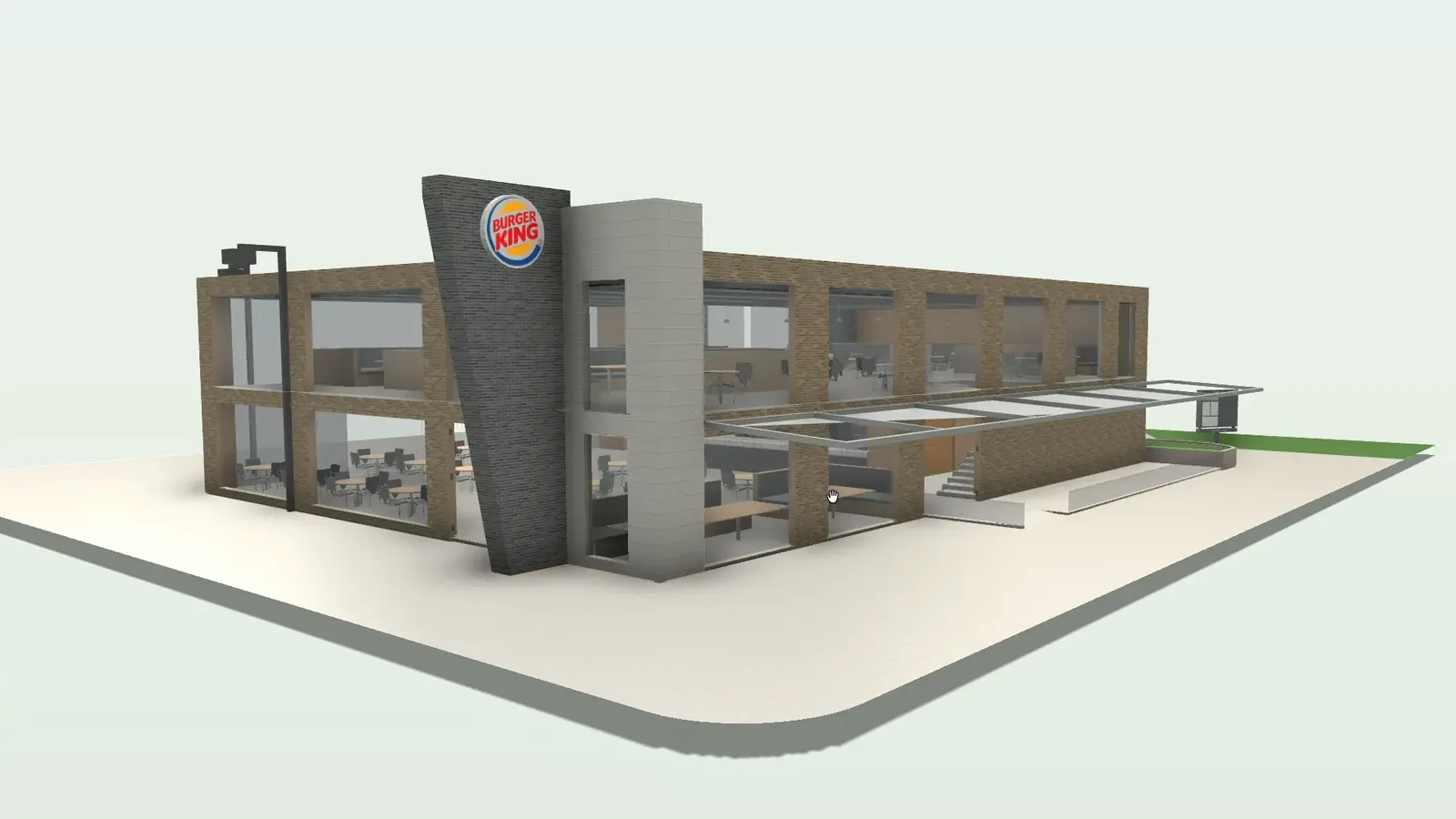
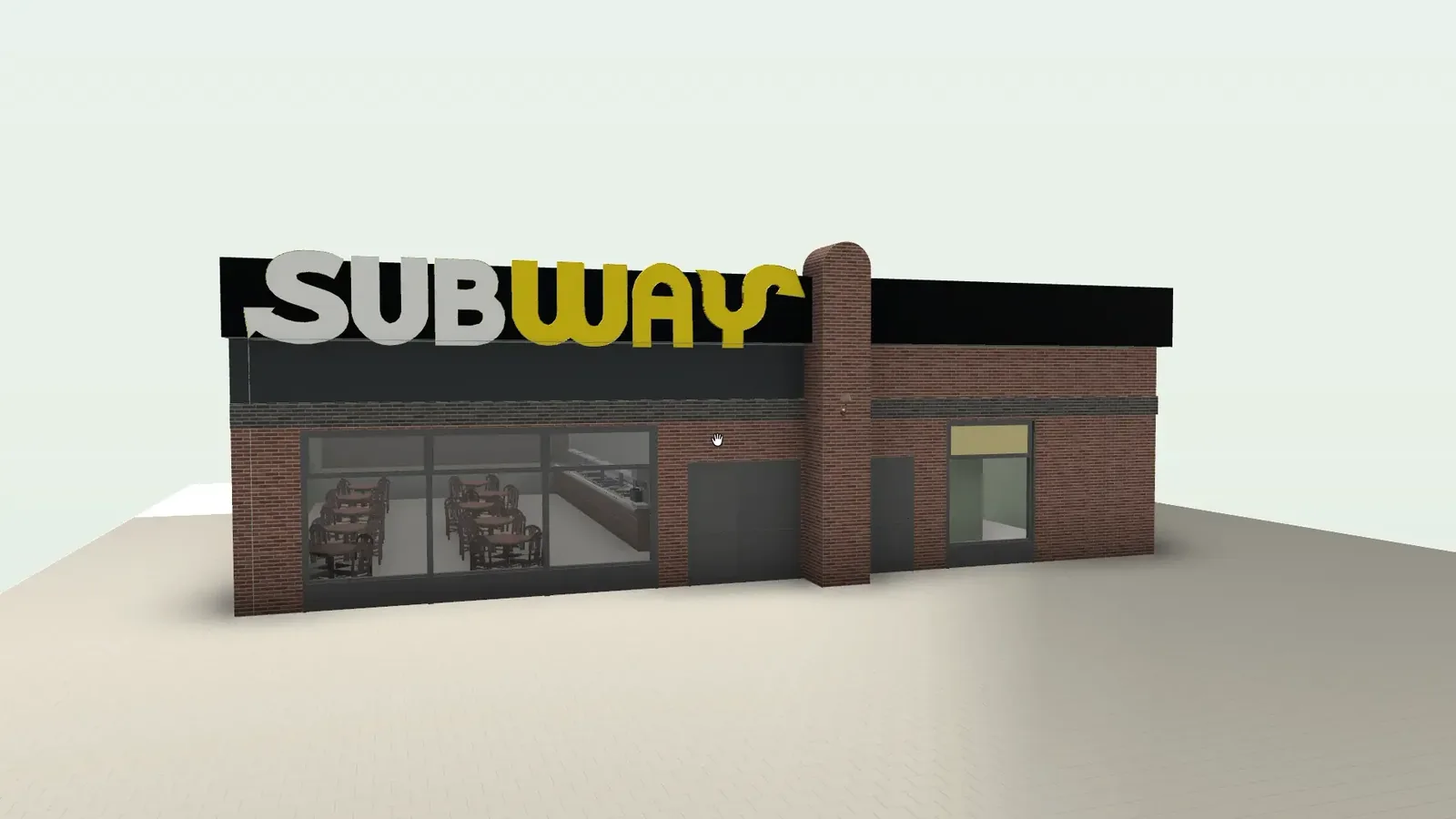
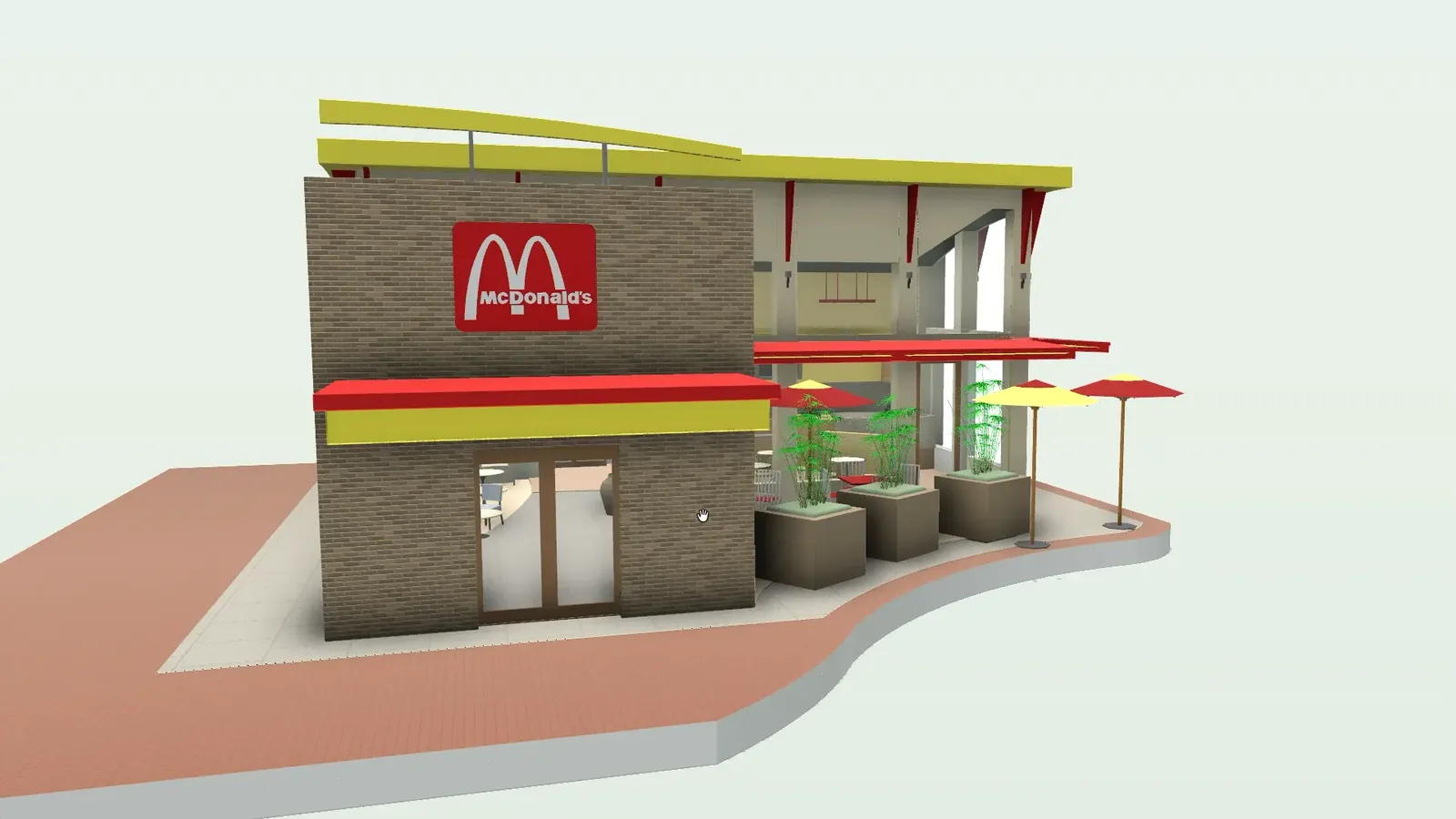
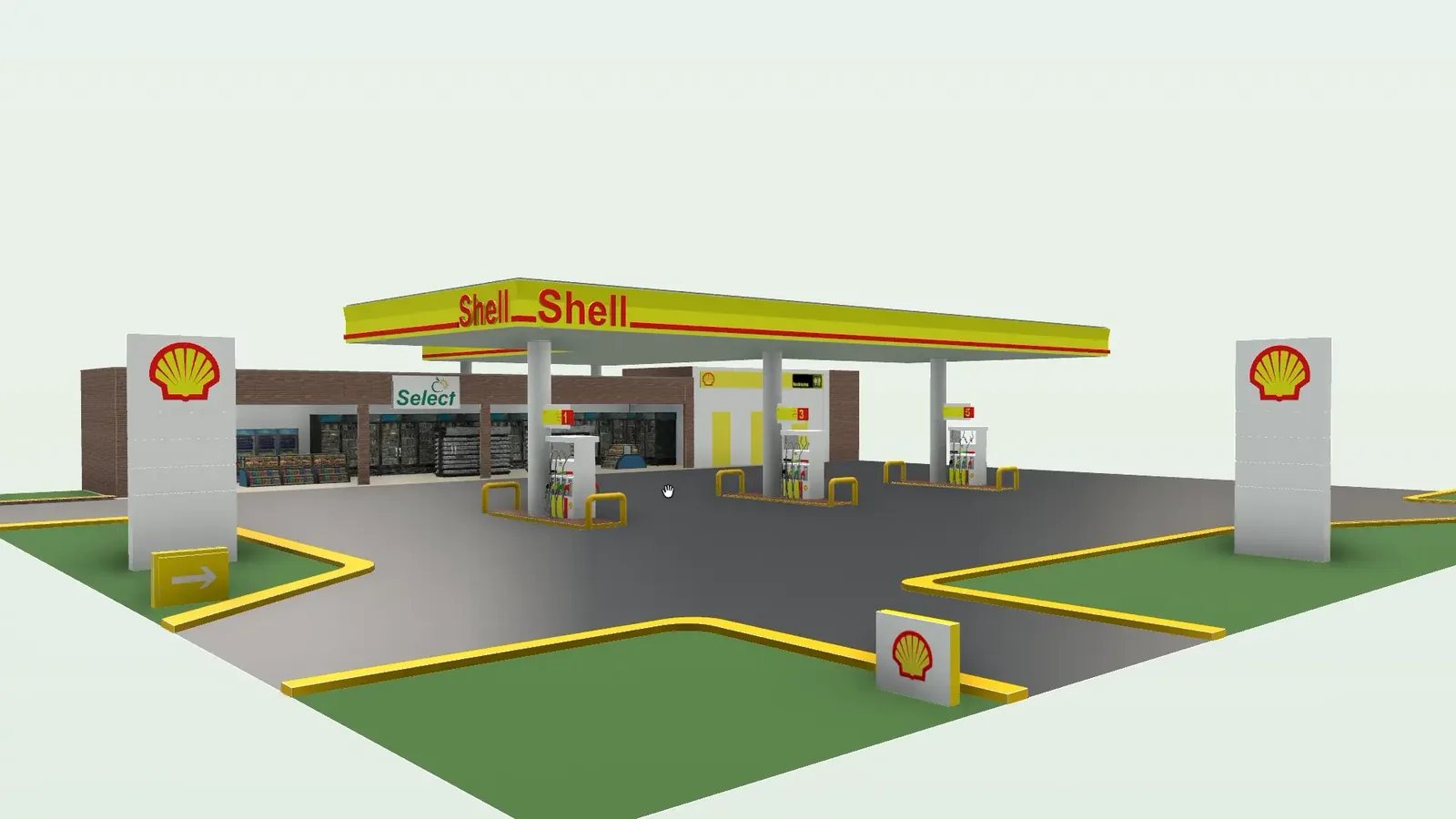
Nine real models

We built a 3D model of each, and keep it up to date.

01 02 03 04 05 06 07 08 09
0%
Support Guide

Getting a model, asked and answered

  • The 3D model
  • Getting one
All FAQs
Can I build one from just a PDF set?

Yes. Upload the PDF drawings. BuiltOS traces the walls, you fix anything it got wrong, and it builds a real 3D model (IFC). A phone photo of a paper drawing works too.

Which files can I turn into a 3D model?

Whatever you already have: IFC, Revit .rvt, DXF and CAD plans, PDF drawing sets, plan-sheet images and STEP. Upload it and it comes back as a live, measured 3D model of your building.

How accurate is a model made from drawings?

We check every traced model against the printed drawings. It must fall within a published tolerance. Once it is built, you can measure anything in it yourself. How we measure

Can I change the model myself?

Yes. Move walls, floors, doors and openings yourself. Every edit is saved in the model’s history. Undo a mistake in one click.